Quiet now.
Everything later.
Hush is a focus timer with a friendly guard. It silences alerts with Do Not Disturb, blocks the distracting apps that pull you away, and shows you what you missed when you're done.
No account · no servers · no trackers
How a session goes
Pick 30, 60 or 90 minutes and tap Start. Hush puts its headphones on, and your phone stops competing for your attention.
-
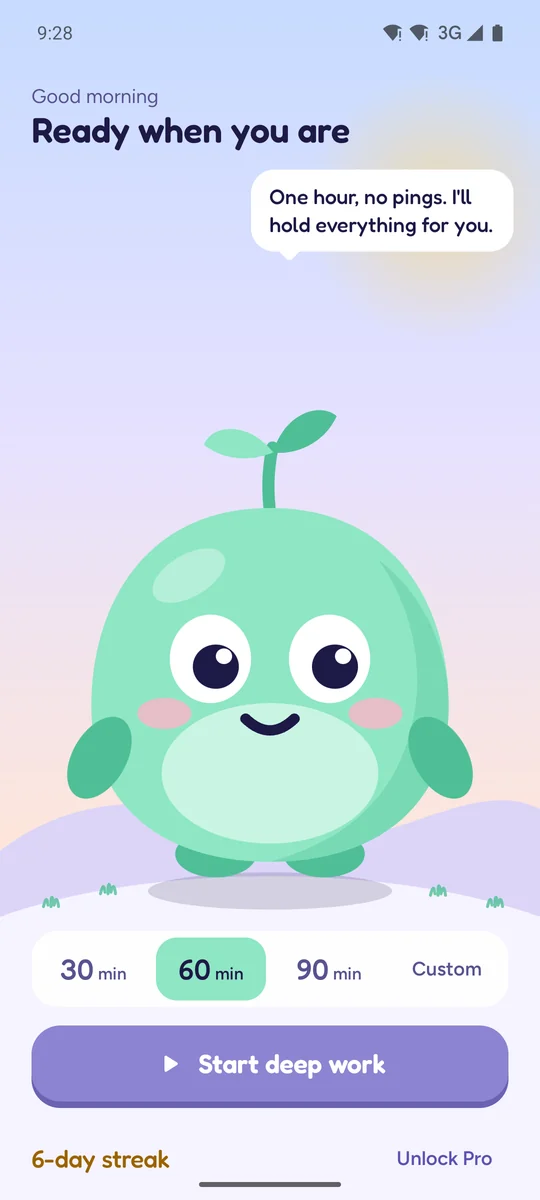
Start
Choose how long. Hush tells you what it's about to do.
-
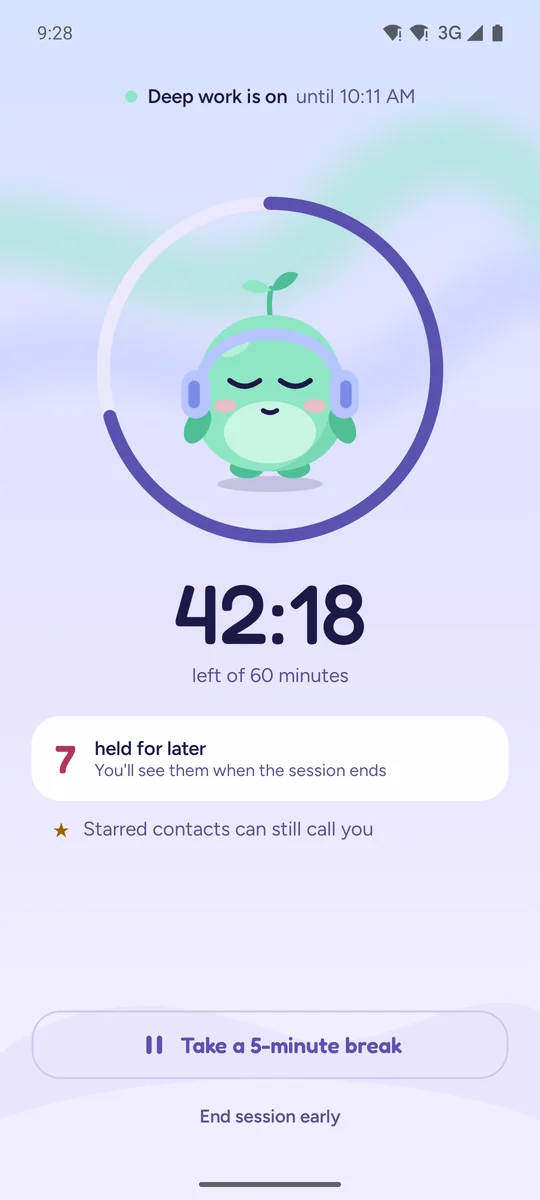
Focus
Do Not Disturb turns on. Notifications pile up quietly for later.
-
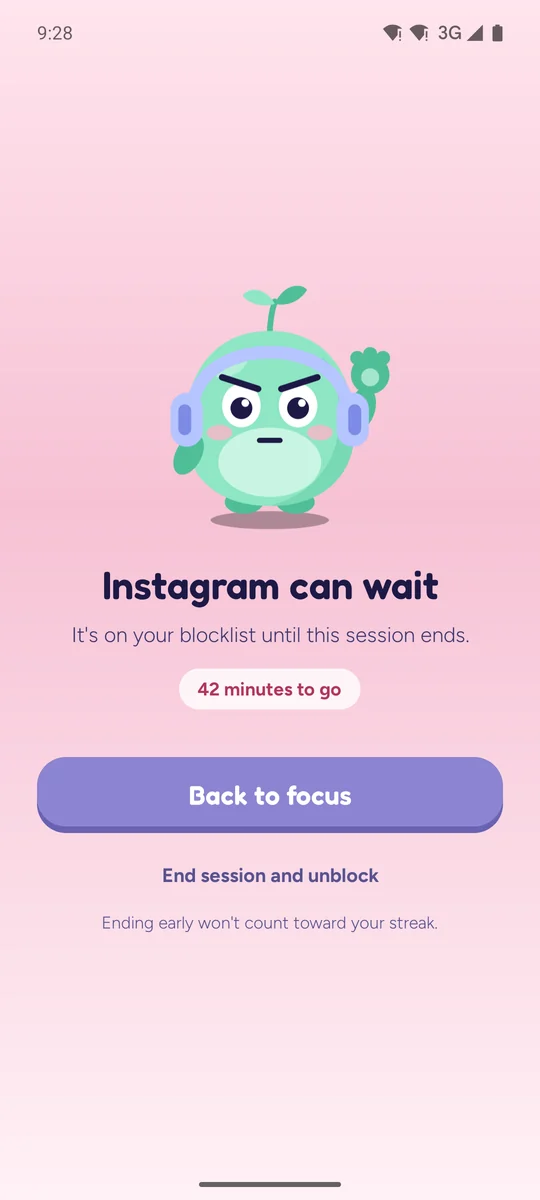
Stay on track
Open a blocked app and Hush steps in, kindly but firmly.
-
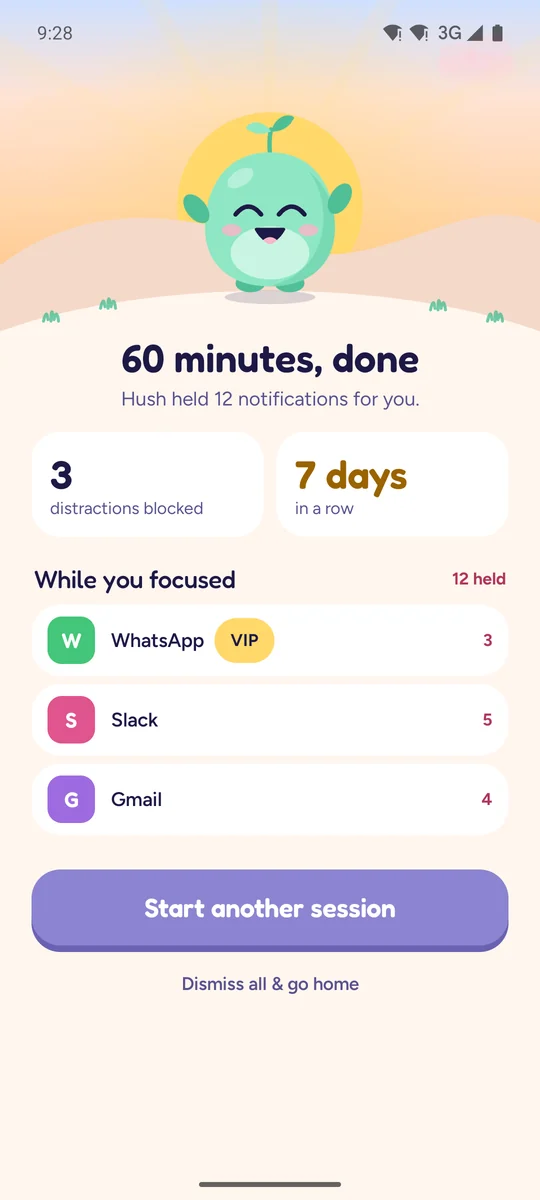
Catch up
See everything you missed, grouped by app, all at once.
Set up in a minute
Hush walks you through it once, with no account to make. It asks only for what it needs, and tells you why before Android asks.
-
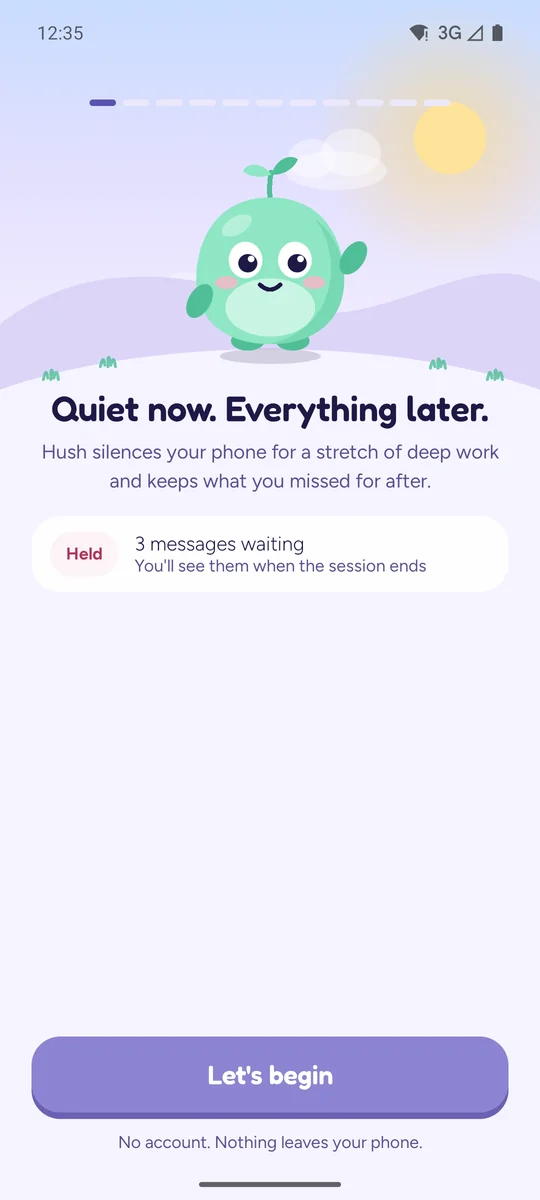
Say hello
A short welcome. No sign-up, and nothing leaves your phone.
-
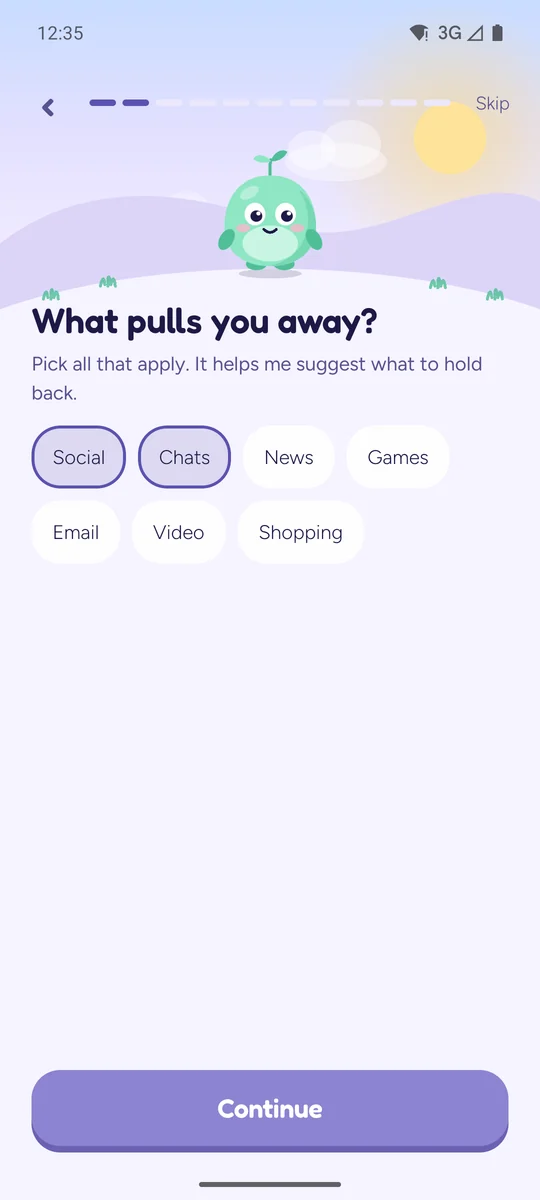
Say what pulls you away
Pick what distracts you. You choose the exact apps to block later.
-
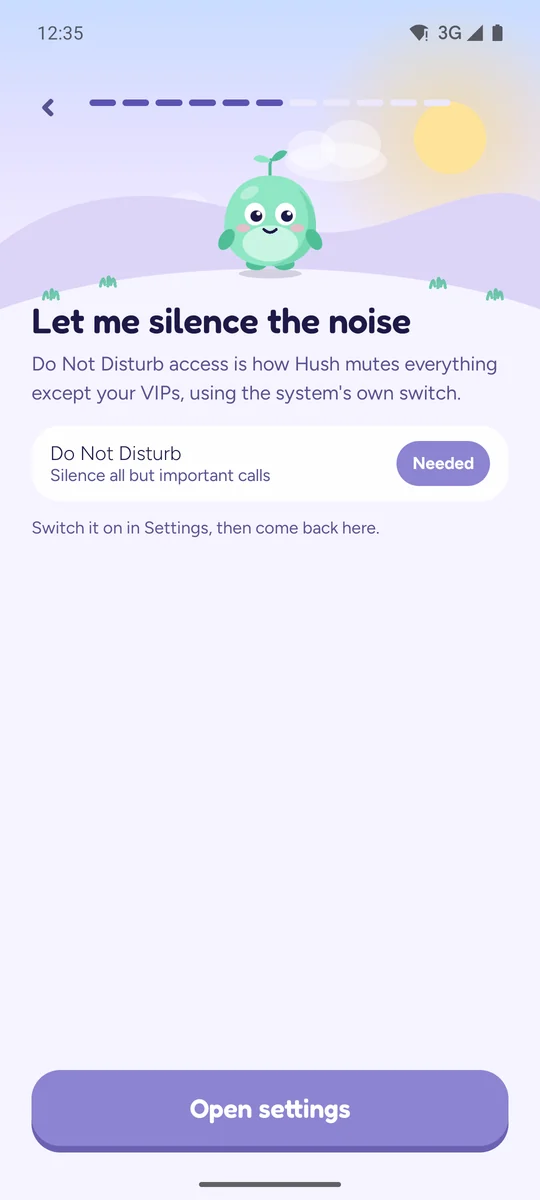
Allow three things
Do Not Disturb, Display over apps and Usage access, one at a time, each explained first.
-
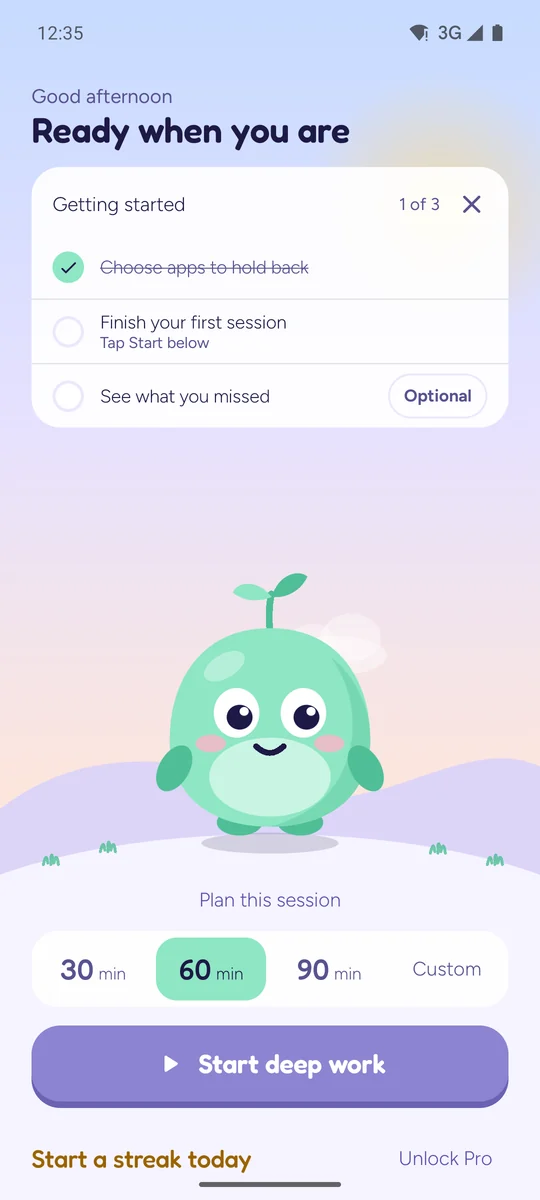
Get going
A small checklist on Home: pick your apps, finish a first session. It goes away when you're done.
Built to hold the line, kindly
Hush is strict where it matters and gentle everywhere else.
Important calls still ring
Calls from your starred contacts, and anyone who calls twice in 15 minutes, always get through. Even on Free.
A short break when you need it
One 5-minute break per session: notifications and apps come back, then Hush picks up where you left off.
Strict mode Pro
For the days you know yourself too well: no ending early and no breaks until the timer's done.
Reliable to the last second
Hush runs only during a session you start, as a visible countdown, so battery savers leave it alone. If Android ever stops it, Hush picks your session back up and puts your own Do Not Disturb settings back.
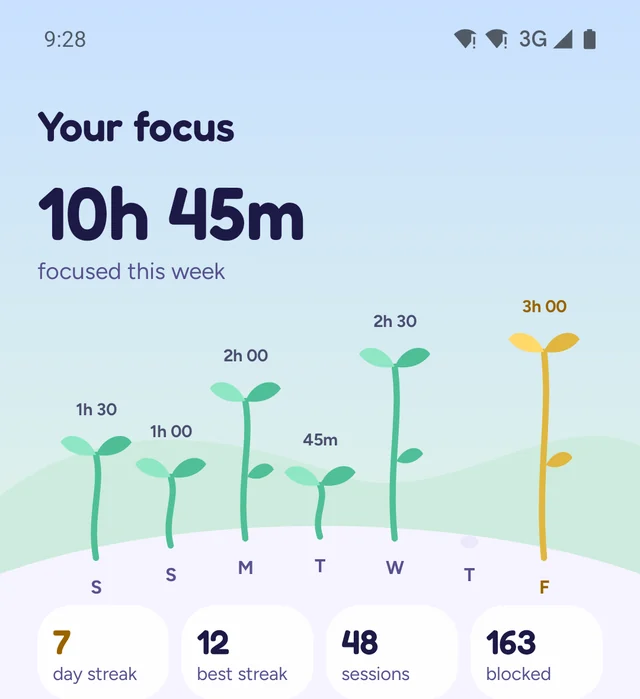
Watch your focus grow
Every day you focus grows a sprout. Taller sprouts for longer sessions, and today's in gold.
Streaks count the sessions you see through to the end, so a streak means something.
Private by design
No account to make, no server to trust. The privacy story isn't a setting, it's how Hush is built.
-
No account, no sign-inNothing to create, nothing to log into.
-
No serversYour sessions and lists live on your phone. We never see them.
-
No ads, trackers or analyticsNot in the app, and not on this site either.
-
Delete everything in one tapHeld notifications are cleared after every summary anyway.
If Android backup is on, your phone may copy Hush's data, encrypted, to your own Google Drive. That's your phone's setting, and we can't see it. Read the privacy policy.
Free works. Pro removes the limits.
The whole focus loop works on Free. Pro is a one-time purchase, with no subscription.
| Feature | Free | Pro |
|---|---|---|
| Daily sessions | 1 a day | Unlimited |
| Blocked apps | Up to 3 | Unlimited |
| Custom session lengths | ||
| Strict mode | ||
| A short break per session | ||
| Stats history | 7 days | Full |
| VIP names in your summary | 3 | Unlimited |
| Block screen, Do Not Disturb, summary | ||
| Important calls ring through | ||
| No account, no servers |
One-time purchasePay once, get every future update. Payment goes through Google Play.
Questions, answered
The short version of how Hush works as an Android focus timer and app blocker.
Is Hush an app blocker for Android?
Yes. When you start a focus session, Hush shows a block screen over the apps you picked, and it holds your notifications with Do Not Disturb until the timer ends. Free blocks up to 3 apps; Pro blocks as many as you like.
Do I need an account to use Hush?
No. There is no sign-up, no sign-in and no server. Your sessions, stats and lists stay on your phone.
How is Hush different from Do Not Disturb or Digital Wellbeing?
Do Not Disturb is a switch you flip yourself. Hush turns it on for a timed focus session, lets calls from starred contacts and repeat callers through, blocks the apps you chose, and puts your own settings back when the session ends. Then it shows what you missed, grouped by app.
Will important calls still ring during a focus session?
Yes. Calls from your starred contacts, and anyone who calls twice within 15 minutes, still get through. That works on Free too.
What permissions does Hush need, and why?
Do Not Disturb access (to silence alerts), Display over apps (to show the block screen) and Usage access (to notice when a blocked app opens). Hush explains each one before Android asks. It does not use an Accessibility service. Notification access is optional and only lets the summary name the apps that were held.
Is there a subscription?
No. Hush is free to use, with one session a day and up to 3 blocked apps. Pro is a single one-time purchase through Google Play, with no subscription.
Does Hush track me or send my data anywhere?
No. There are no ads, trackers or analytics, and nothing you do in Hush leaves your phone. You can erase everything in one tap in Settings.